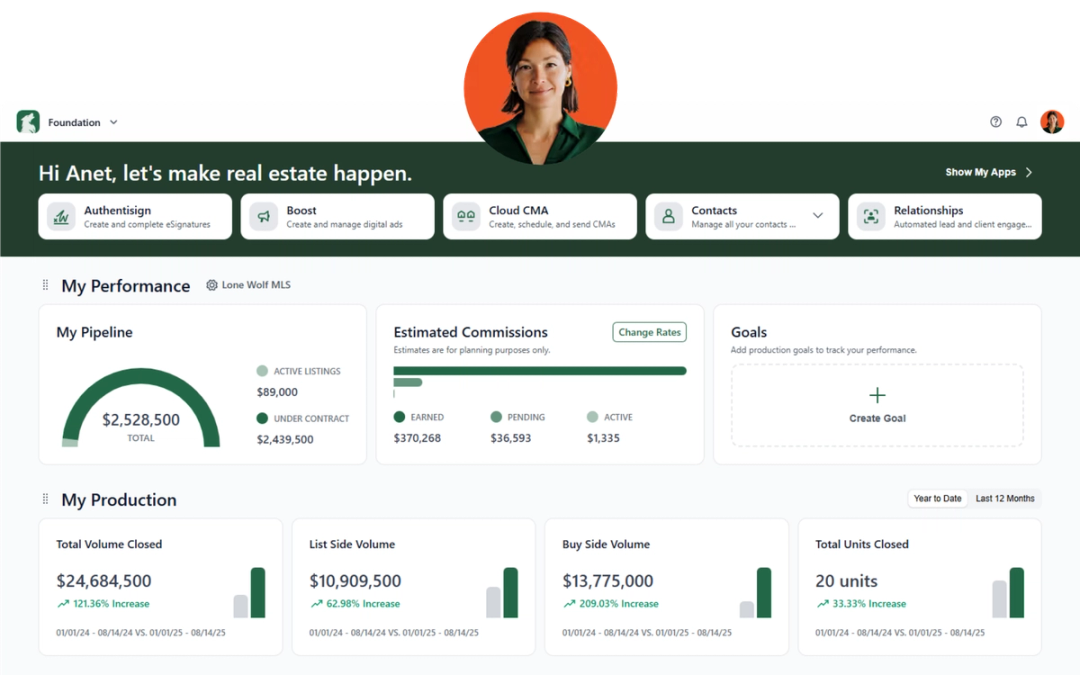
In June we’re introducing new updates designed to simplify rental workflows, reduce manual tasks, and give you more flexibility in managing your transactions and client follow-ups.
Transact
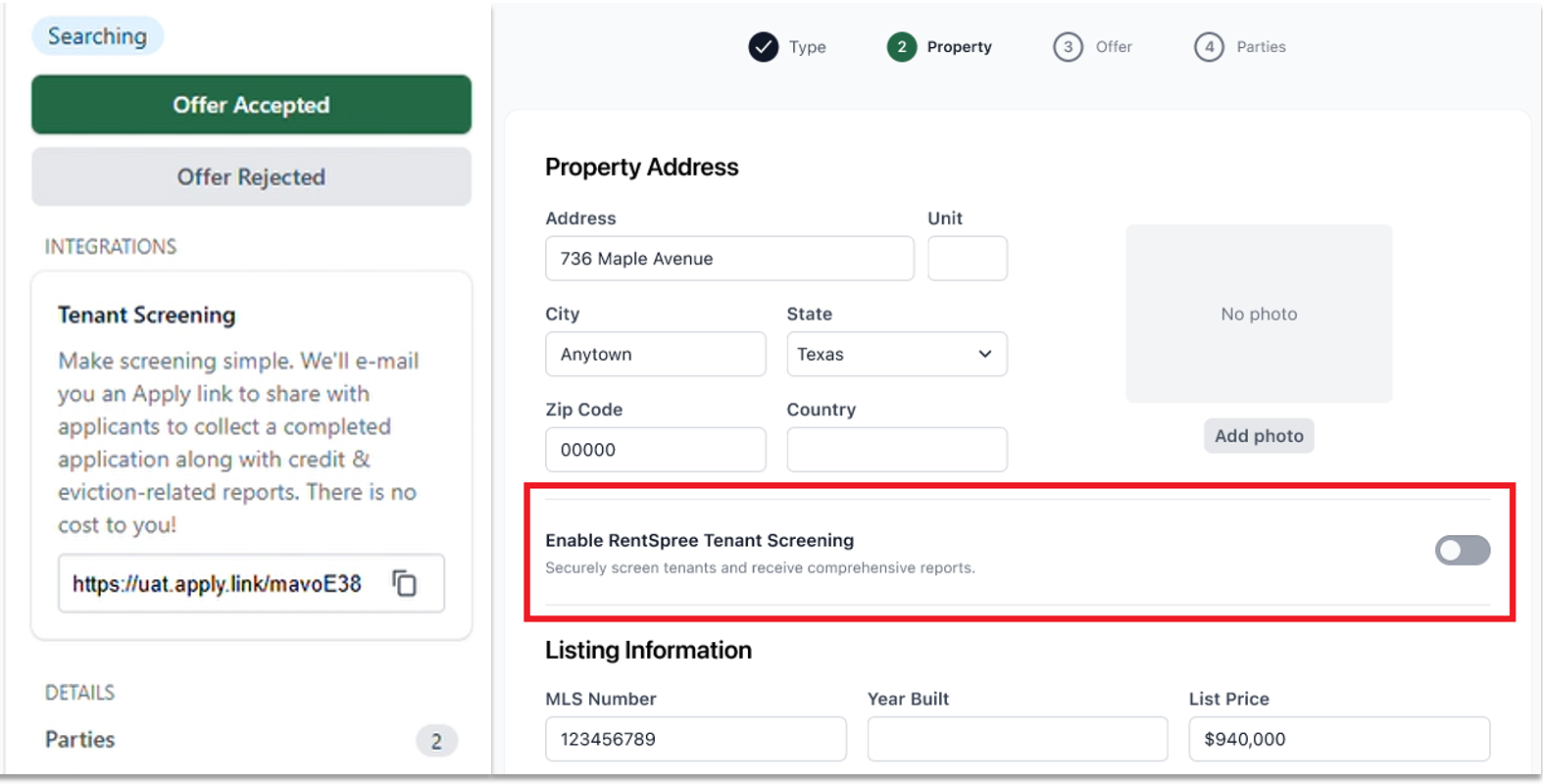
NEW: Simplify rental applications with RentSpree integration
You can now generate a RentSpree tenant screening application link directly from a lease or lease-listing transaction. Because the integration uses information already entered in the transaction, getting an application ready takes just a few clicks. Simply share the link with prospective tenants and let RentSpree handle the rest.
Why it matters: Spend less time re-entering information and make the rental application process faster and easier for everyone involved.
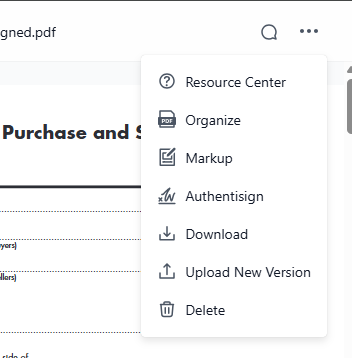
Easier document organization with the new Split and Rotate tool
Based on customer feedback, we’ve renamed the Organize tool to Split and Rotate to better reflect what the feature does: helping you split, rearrange, and adjust your transaction documents.
Why it matters: A clearer, more intuitive experience means you can find the right tools faster and manage paperwork with confidence.
More updates to make transactions easier
We’ve introduced several enhancements designed to save time and reduce manual work:
- Send more detailed emails: The email character limit has increased from 500 to 5,000 characters, making it easier to include complete messages when sending paperwork from a transaction.
- Less manual data entry: When importing property information from an MLS or tax record, the Property Type field will now populate automatically.
- More accurate transaction details: Default Agent and Broker parties now automatically include Agent ID or Office ID information, ensuring those identifiers carry through to forms and other connected tools.
Broker Edition enhancements:
- Identify the right office faster: Office addresses are now displayed alongside office names in additional areas, including the Reviews page filters and Share Groups, helping distinguish between offices with similar names.
Expanded Share Group support: Brokerages with more than 100 offices can now use Share Groups. Simply start typing an office name or address to quickly find and select the right location.
Why it matters: These updates reduce repetitive tasks, improve accuracy, and make it easier to manage transactions across your brokerage.
See release notes for Transact
Relationships
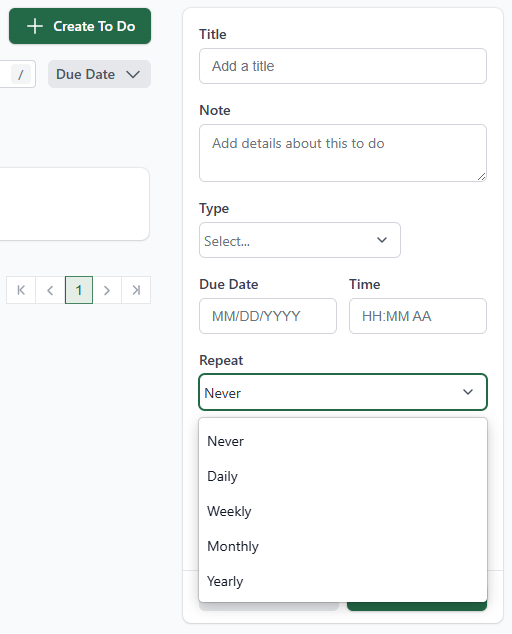
More flexibility for recurring to dos
You now have more control over recurring tasks in Relationships with custom recurrence rules. Along with standard daily, weekly, monthly, and yearly options, you can create custom intervals, such as every two weeks or every 12 weeks.
Why it matters: Automate your follow-up schedule in a way that matches your workflow, so you can stay organized and maintain consistent communication with your clients.
See release notes for Relationships
Stay in the loop
We’ll publish Release Notes every month to keep you informed about what’s new and what’s next. Check back for monthly updates, and in the meantime, explore additional how-to guides and knowledge base articles to get the most out of your Lone Wolf tools.
Other resources
See more eBooks, webinars, and blog articles to help you stay ahead with strategies designed for your success.